Cloud-to-Cloud Migration and Virtual Desktop Modernization for a Research University
Moving a complex production, DR and non-production estate from one public cloud to another, replacing a slow virtual-desktop platform and automating routine operations.
Overview
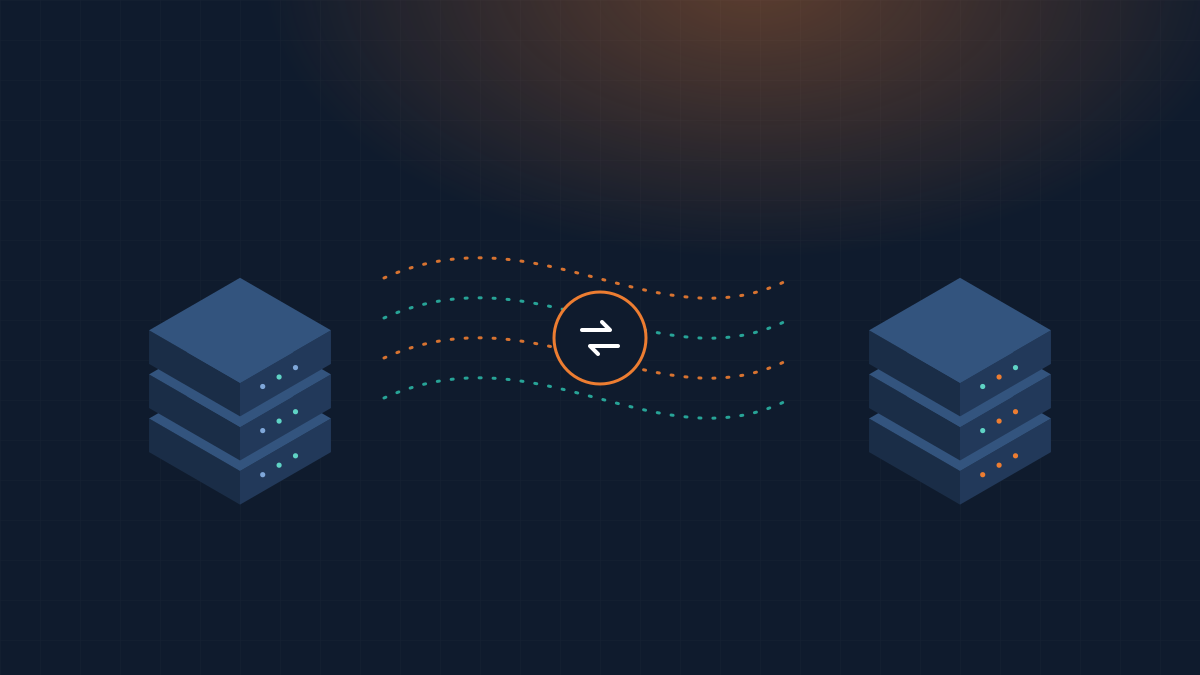
A large research university had standardized on Microsoft Azure across campus. One important application platform, made up of production and DR environments, several non-production databases and a group of application servers, still ran on a different cloud provider. Users also reported slow, unreliable sessions on the virtual desktop service used to reach it.
1The challenge
- A complex estate to move. Production, DR, development and test environments had to be migrated without disrupting the academic calendar.
- Desktop latency. The existing virtual desktop setup suffered from persistent lag that hurt productivity and user satisfaction.
- Heavy manual effort. Provisioning, DR preparation and refreshing development databases with current data were all done by hand, which took time and invited errors.
2Our approach
Discovery & wave planning
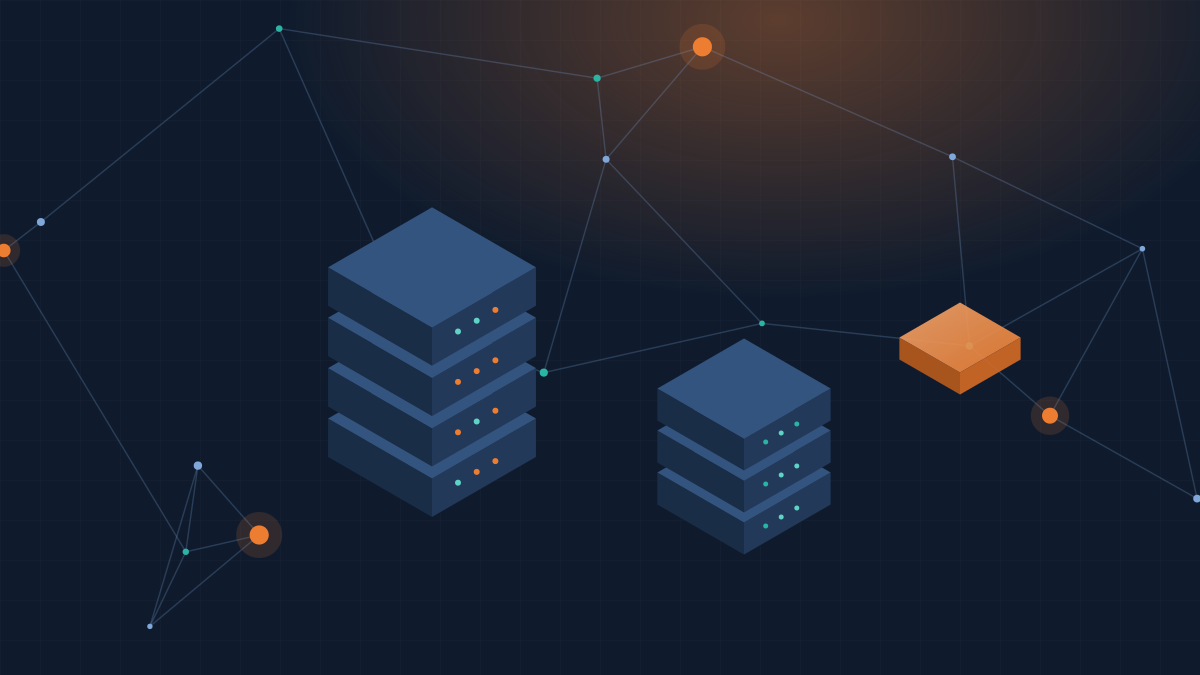
We inventoried every server, database and integration, grouped them into migration waves, and agreed cut-over windows around term dates.
Azure foundation as code
Networking, identity, security policies and compute templates were defined in infrastructure-as-code so every environment could be built the same way each time.
Phased migration
Non-production went first to prove the process. Production and DR followed with data synchronization and rehearsed cut-overs, completed in about one academic quarter with minimal downtime.
Virtual desktop replacement
The legacy VDI service was replaced with Azure Virtual Desktop, placed close to the workloads it serves.
Operational automation
Resource provisioning, DR processes and scheduled refreshes of development databases from production (with masking where needed) were fully automated.
3Results
Responsive desktops
Azure Virtual Desktop resolved the latency problems and improved the day-to-day user experience.
Less manual work
Automated provisioning and refreshes removed repetitive tasks and the errors that came with them.
Faster, reliable DR
Scripted DR procedures made recovery quicker and more predictable.
Current data for developers
Development teams now work with up-to-date data, improving testing quality.
Key takeaway: Treating a cloud-to-cloud move as a chance to automate, not just relocate, gave the university a platform that is easier and cheaper to run, and aligned with its campus-wide cloud strategy.
This case study describes a representative engagement. Client names and identifying details are withheld, and outcomes are described in general terms to protect confidentiality.
More case studies
Facing a similar challenge?
Tell us where you want to be. We'll set out a practical path to get there, with no obligation.